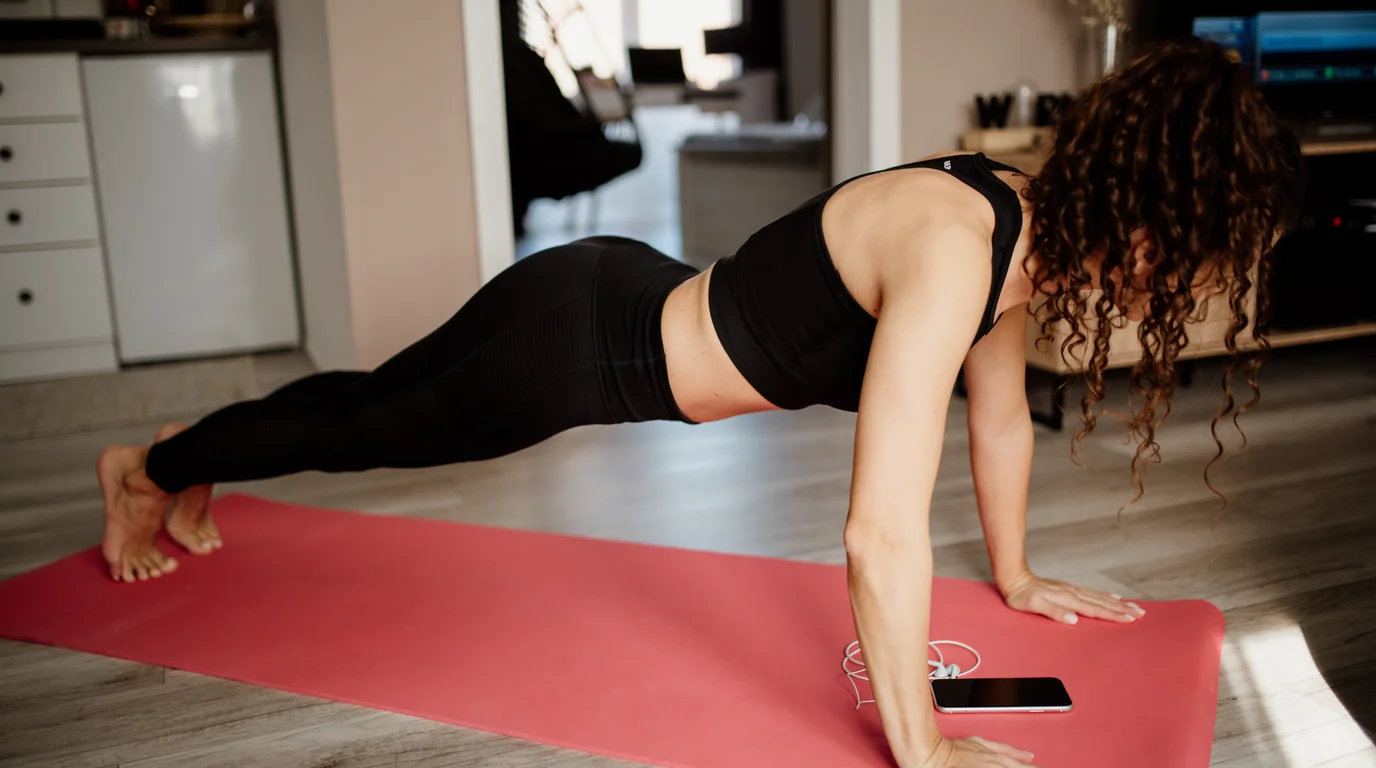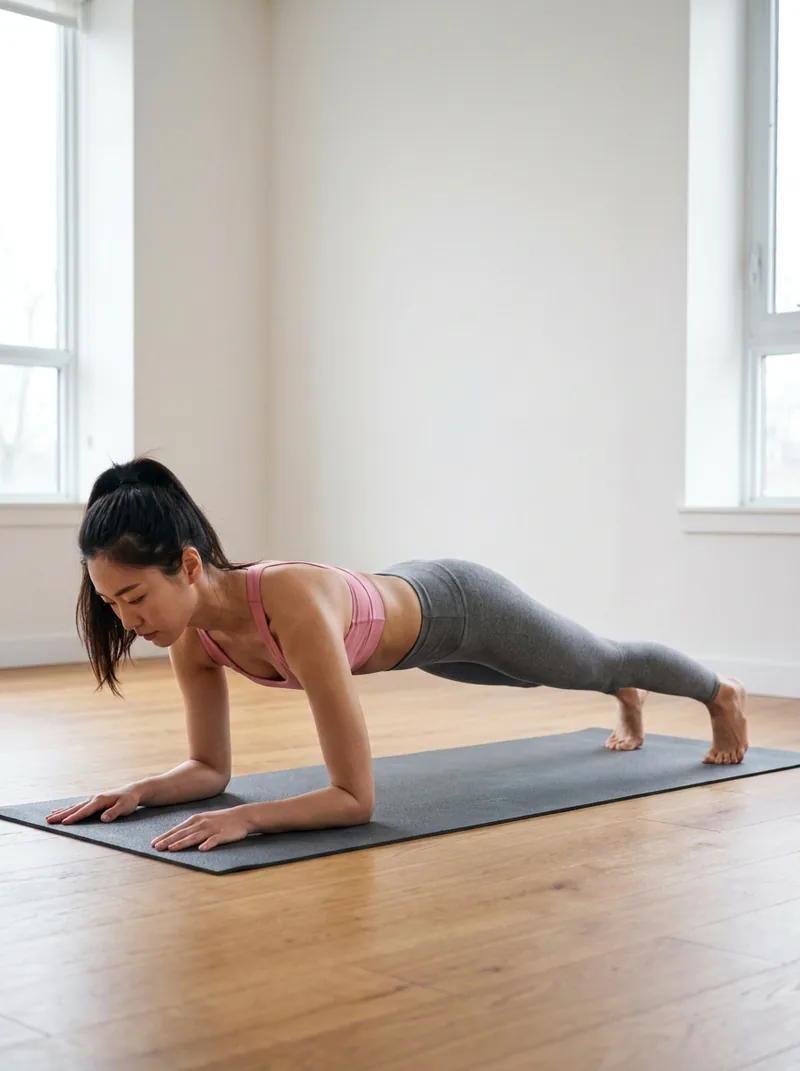
An isometric hold: support your body in a straight line on your hands or forearms and hold. The timer runs while the plank line stays true; it pauses if your hips sag or pike.
Category: Core · Type: Hold · Default goal: 30 seconds
Benefits 💪
- Builds deep core and shoulder stability
- Strengthens the whole trunk without movement
- Improves posture and endurance
How to do it ✅
1) Set your hands (or forearms) under your shoulders.
2) Extend your legs and form one straight line head to heels.
3) Brace your core and hold — don't let the hips drop or rise.
4) Breathe steadily for the full duration.
How Fit Play counts the Plank 📱
Fit Play tracks the position and angles of your joints in real time. The clock runs only while you hold the position shown above; if your form breaks, the timer pauses and picks up again once you are back in position.
Joint angles read from the "Hold" sample photo: knee about 163°, hip about 159°, elbow about 130°.
These come from a single photo, so they vary with body proportions and camera angle.
Recognition is most stable when the phone stands upright 2–3 meters away and your whole body, head to toe, is in the frame.
Related guides 🔗
Fit Play Exercise Guide - All 10 Bodyweight Exercises at a Glance
Browse all 10 bodyweight exercises by body area, each with the skeleton recognized by the app.