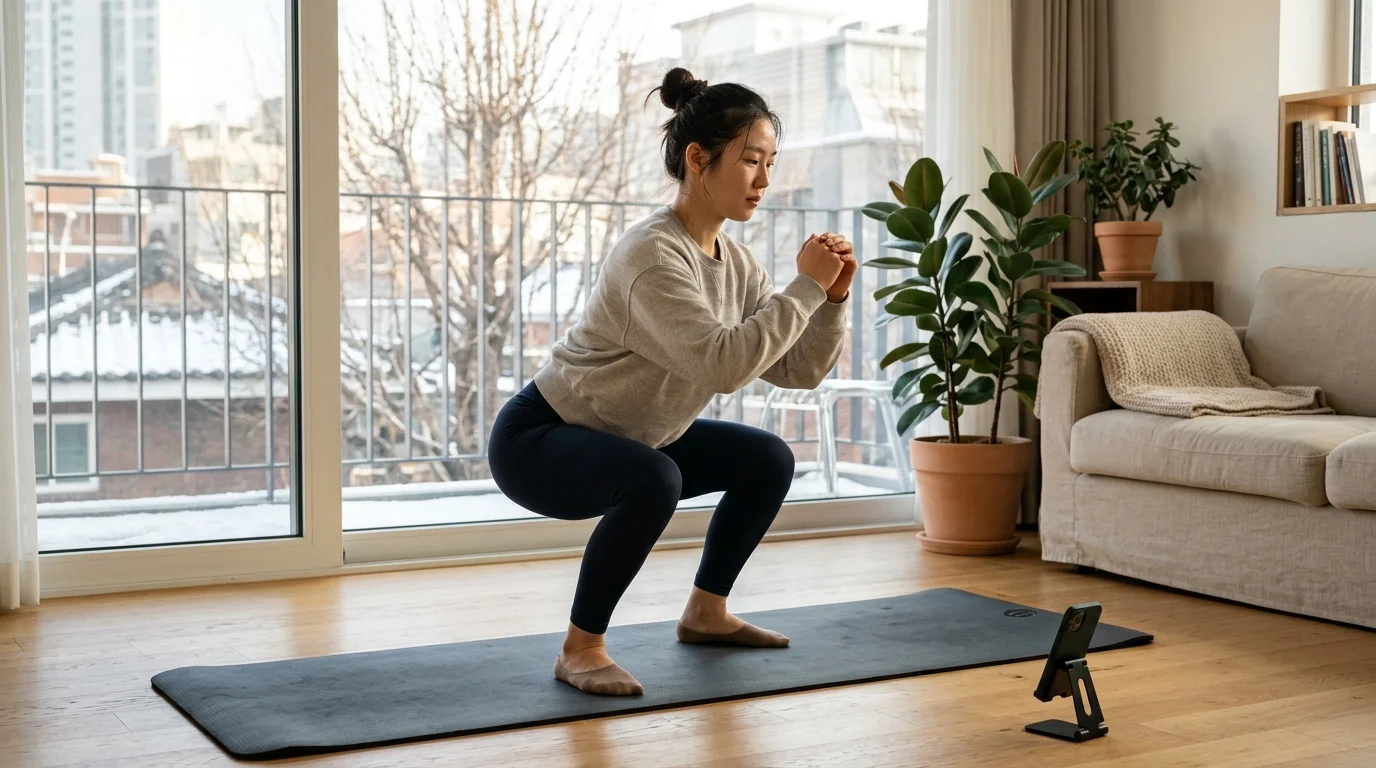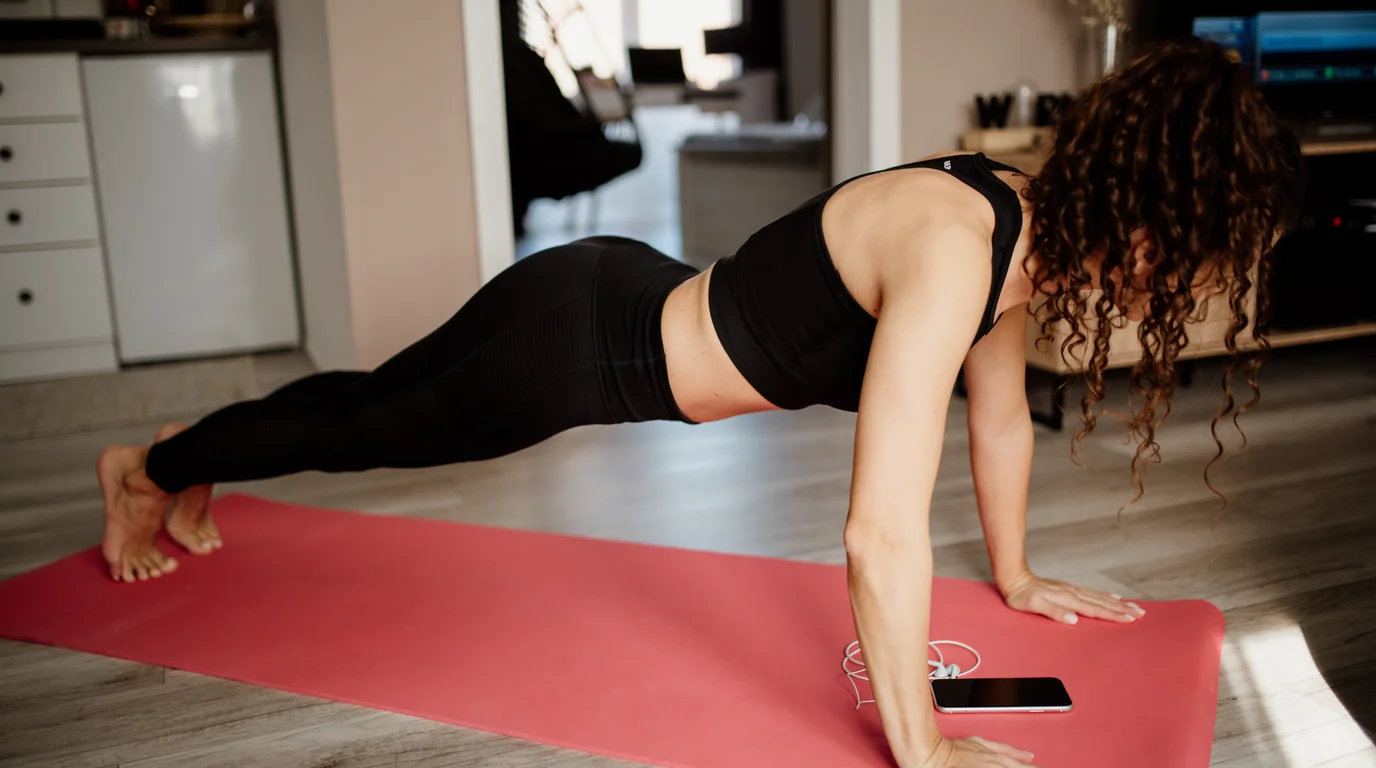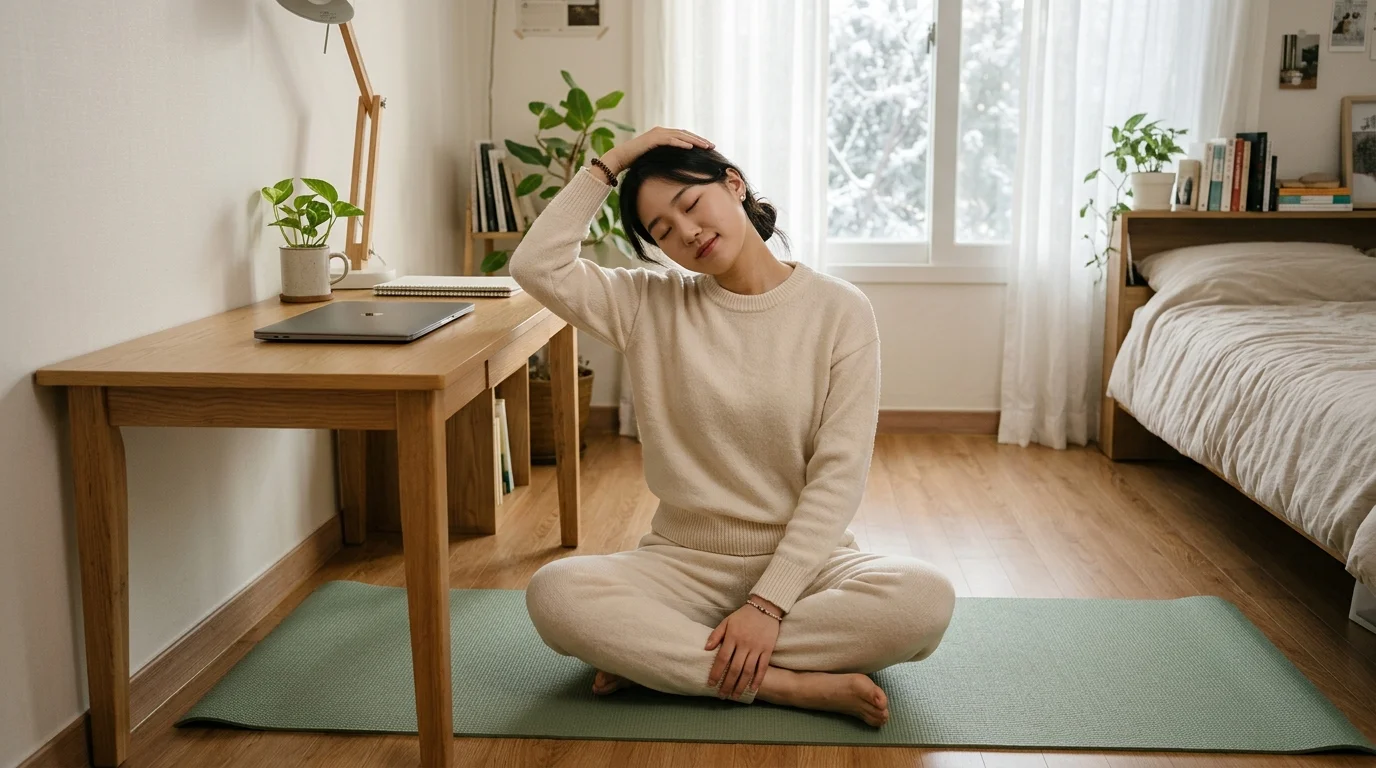
When you practice yoga alone, two questions keep coming up: "Am I doing this right?" and "How long have I been holding it?" And if you keep looking at a video to follow along, it is hard to focus on your breath and alignment.
Yoga Play uses your phone camera to recognize your pose in real time and counts the time only while you are really in the pose. All you need is a mat and your phone.
1. What is Yoga Play? 🧘
Prop your phone up, step into a pose, and a skeleton of lines connecting your joints appears over the camera view. The app reads the position and angles of your shoulders, hips, knees, and ankles to check whether you match the target pose.
When the pose is right, the skeleton turns green and the hold timer runs. If you fall out of the pose, the timer pauses and picks up again once you are back. Going through the motions does not fill the timer, so only real practice ends up in your log.
2. Key features ✨
- Real-time pose recognition: 26 yoga poses recognized with just the camera. No wearables or sensors.
- Voice cues and correction hints: the start and finish of each pose are announced aloud, and what to fix is shown on screen right away.
- Step-by-step guideseach pose comes with steps, breathing cues, benefits, and cautions.
- 10 guided flowsMorning Energy, Bedtime Relax, Lower Back Relief, Neck & Shoulder Relief, Core Strength, and more.
- Your own flowspick the poses you like and set the order, hold time, and rest time.
- Records and missionsyour streak, total practice time, and per-pose counts add up, and missions keep you going.
3. How to use it 📱
1) Choose a pose or a flow.
2) Lean your phone against a wall or put it on a stand, then step back two or three paces so your whole body is in view.
3) After the countdown, move into the pose as guided.
4) When the skeleton turns green, keep breathing and hold.
5) Reach the target time and your session is saved with a voice cue.
In a flow, the next pose and rest periods follow automatically, and the app tells you when to switch sides. If you stop midway, you can resume from the pose where you left off.
4. Which poses can I practice? 🌿
There are 26 poses in total: basics such as Mountain Pose, Child's Pose, Cat and Cow, Downward Dog, and Cobra; standing poses such as Warrior I and II, Tree Pose, and Triangle; plus Bridge, Pigeon, and challenge poses like Crow and Headstand.
They are split into 15 beginner, 8 intermediate, and 3 advanced poses, so it is easy to find a starting point. You can also vote in the in-app survey for the poses you want added next.
5. Tips for better recognition 💡
- Keep your whole body in the frame, from head to toe.
- Practice in a bright room and avoid strong backlight.
- Fitted clothes that stand out from the background work best.
- For poses done lying down, place the phone to your side.
Pose recognition runs entirely on your phone, and camera video is never saved or uploaded. Stop right away if you feel pain, and try advanced poses such as Headstand only when you are ready.
Yoga Play Pose Guide - All 26 Yoga Poses at a Glance
Browse all 26 yoga poses by level, each with the skeleton recognized by the app.